Matter and Thread Smart Home Protocol Guide: Architecture & Real-World Setup
For over a decade, consumer smart home adoption was hindered by proprietary walls: an accessory designed for Apple HomeKit would not work on Google Home, while an Amazon Alexa plug required its own dedicated cloud account. **Matter**—developed collaboratively by the Connectivity Standards Alliance (comprising Apple, Google, Amazon, Samsung, and hundreds of device manufacturers)—and **Thread** represent the most significant architectural convergence in consumer IoT history. Understanding how the two technologies work in tandem is critical to building a future-proof connected home.
Matter vs. Thread: Understanding the Separation of Layers
A frequent source of confusion is treating Matter and Thread as competing products. They operate at completely different layers of the networking stack:
- Matter (The Universal Language): An open-source application-layer standard that defines how smart home devices format and exchange commands (e.g., "Set brightness to 60%", "Unlock deadbolt").
- Thread (The Wireless Roadway): A low-power, secure IPv6 mesh networking protocol (physical and transport layer) based on IEEE 802.15.4 radio standards.
Think of Thread as the high-speed highway, and Matter as the standardized vehicle that travels along it. Matter can also travel over standard Wi-Fi (for high-bandwidth devices like video cameras) or Ethernet.
Thread Border Routers and Matter Multi-Admin Features
In a Thread network, you do not buy a single proprietary bridge. Instead, any mains-powered smart device containing both Wi-Fi/Ethernet and a Thread radio can act as a Thread Border Router (such as an Apple TV 4K, HomePod mini, Nest Hub Max, or Home Assistant Yellow).
Additionally, Matter features Multi-Admin. This allows an iPhone user to control a smart door lock via Apple Home, while an Android tablet on the kitchen wall controls the exact same lock simultaneously via Google Home or Home Assistant—with zero cloud latency and zero third-party bridge syncing.
- ✓Verify your primary hub functions as a certified Thread Border Router (TBR).
- ✓Deploy at least 3 mains-powered Thread Full Thread Devices (FTDs)—such as smart plugs or in-wall switches—to strengthen the mesh footprint across all floors.
- ✓Keep your 2.4 GHz Wi-Fi channels (1, 6, or 11) separated from your Thread radio channels (typically channels 15, 20, or 25) to avoid co-channel RF interference.
Frequently Asked Questions
Expert clarifications and real-world considerations
Editorial Summary
Matter and Thread have unified smart home technology into an interoperable, local-first ecosystem. By choosing certified Matter-over-Thread hardware and establishing redundant border routers, you create a seamless and reliable home automation infrastructure.
Written by Julian Mercer
Staff ContributorJulian covers open-source home automation, Matter/Thread wireless architectures, HVAC multi-zone relays, and privacy-first local smart ecosystems.
Related Architectural & Home Guides
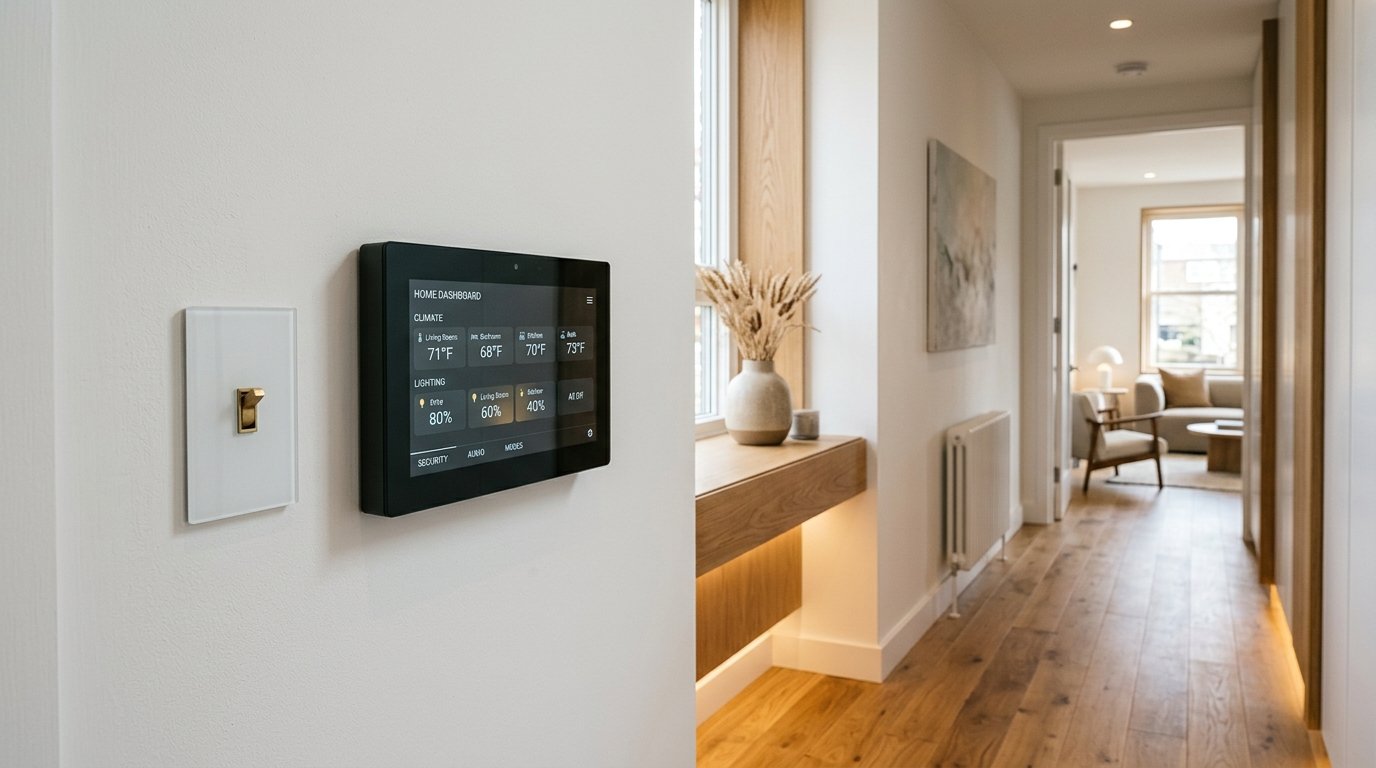
Beginner’s Guide to Smart Home Technology: Ecosystems, Protocols & Reliability
Building a smart home should simplify daily living, not turn you into an on-call IT administrator. Discover the foundational protocols, ecosystems, and architecture for a bulletproof setup.
Smart Thermostats and HVAC Zoning: Precision Climate Engineering
A central thermostat in an unrepresentative hallway causes hot upstairs bedrooms and freezing ground floors. Discover how remote sensors and smart HVAC staging balance comfort and energy use.

Energy-Efficient Home Improvements That Can Significantly Reduce Household Energy Use
Before investing in expensive rooftop solar panels, homeowners must first optimize their building envelope. Learn the exact order of operations to slash household energy use by 30% to 50%.
Practical Ideas for Better, Smarter Living
Join our readership of homeowners, spatial architects, and living enthusiasts. Receive thoughtful architectural breakdowns, energy-saving insights, and curated home guides every Thursday.