How to Build a Comfortable and Productive Home Office: Furniture & Hardware Guide
A dedicated home workspace is an essential engine of career productivity, creativity, and spinal health. Yet millions of professionals work from makeshift setups: wobbly budget desks, dining chairs causing sciatic nerve compression, and tangled snarls of power cables dangling underfoot. Building a truly comfortable, high-yield home office requires investing in commercial-grade ergonomic furniture, robust cable containment raceways, and discrete acoustic storage.
Selecting a Motorized Sit-Stand Desk: Motors, Stability & Surfaces
Not all standing desks are built equal. Single-motor budget frames wobble noticeably when raised to standing height, causing monitor shake that induces headaches during typing:
- Dual-Motor 3-Stage Legs: Provide smoother height transitions (1.5 inches per second), higher weight capacity (300+ lbs / 136 kg), and a broader height range (22 to 49 inches) accommodating diverse heights.
- Desktop Thickness & Depth: Choose a solid wood or high-pressure laminate top at least 1 inch thick and 30 inches deep. A 30-inch depth allows adequate focal distance between your eyes and large 27-to-34-inch ultrawide monitors.
The Clean Desk Standard: Zero-Cable Floor Clutter
Visible black power bricks and tangled cables under a desk generate persistent visual noise and collect dust bunnies.
Execute a professional cable management system: 1. Mount a high-capacity steel wire mesh tray or J-channel raceway underneath the rear edge of the desktop. 2. Mount a 12-outlet surge protector directly inside the tray. 3. Run a single heavy-duty braided power cable down a spinal cable wrap to the wall outlet, ensuring all computer cords rise and fall cleanly with the motorized desk.
- ✓Mount surge protector and power supplies beneath the desktop in a cable basket.
- ✓Use velcro straps (never plastic zip ties) for clean, adjustable bundling.
- ✓Install a dynamic gas-spring monitor arm clamped to the desk to reclaim 20% of surface area.
- ✓Add a plush anti-fatigue balance mat to relieve foot pressure during standing intervals.
Frequently Asked Questions
Expert clarifications and real-world considerations
Editorial Summary
A well-engineered home office pays dividends in daily focus, physical vitality, and professional output. Invest in dual-motor stability, dial in your ergonomic chair settings, and maintain pristine cable management for an inspiring daily workspace.
Written by Elena Vance
Staff ContributorWith over 14 years in residential spatial planning and interior architecture, Elena specializes in small-space optimization, biophilic textures, and lighting design.
Related Architectural & Home Guides
Home Office Design Ideas for Better Focus: Ergonomics & Cognitive Flow
A high-performance home workspace requires more than a laptop perched on a dining table. Discover how desk orientation, dual-zone lighting, and acoustic absorption drive sustained cognitive focus.
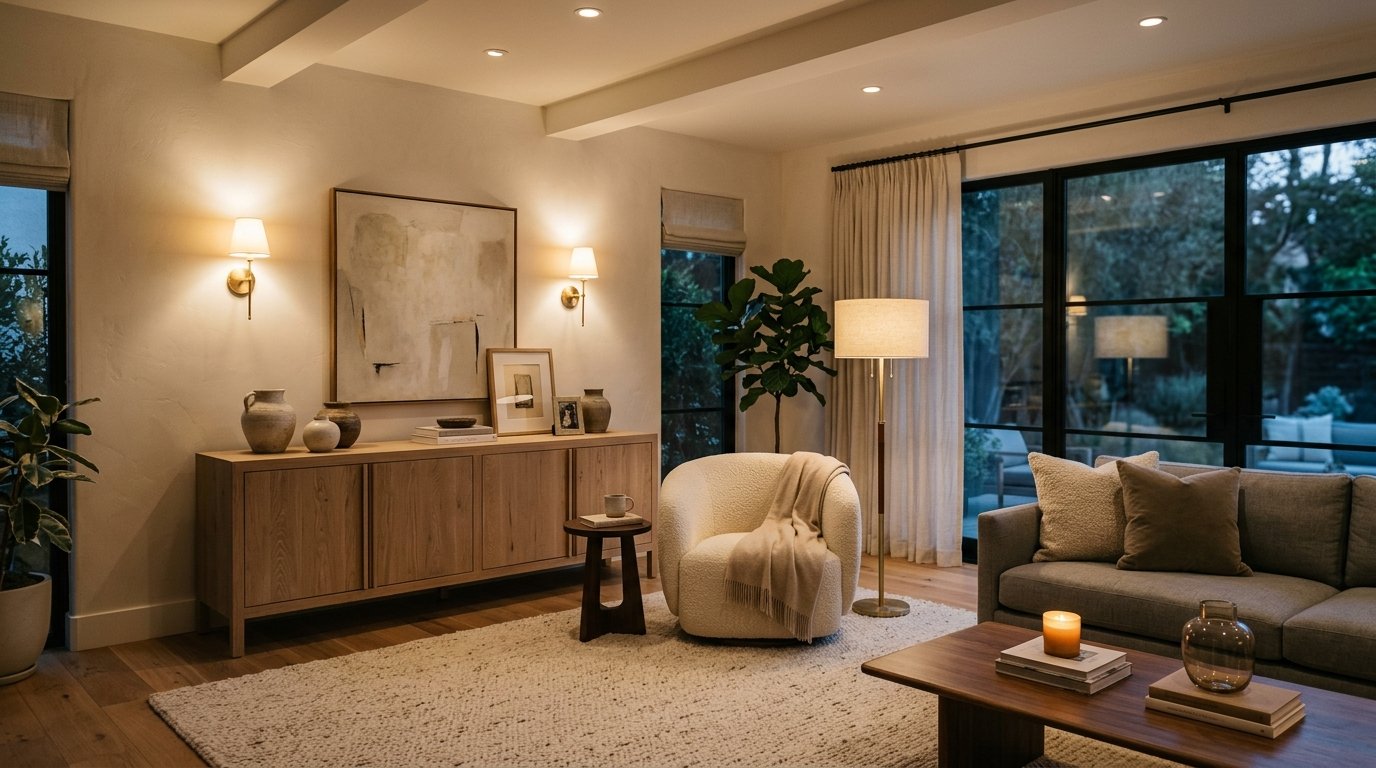
How to Choose the Right Lighting for Every Room: Kelvin, Lumens & Layering
Lighting is the most transformative yet frequently misunderstood element of interior design. Discover how to calculate lumens per room, balance color temperatures, and create a 3-layer lighting scheme.

Smart Ways to Declutter Your Home: Behavioral Psychology & Spatial Auditing
Clutter is not a moral failing; it is a mismatch between physical inventory and home storage capacity. Learn evidence-based sorting systems that prevent clutter from returning.
Practical Ideas for Better, Smarter Living
Join our readership of homeowners, spatial architects, and living enthusiasts. Receive thoughtful architectural breakdowns, energy-saving insights, and curated home guides every Thursday.