Home Office Design Ideas for Better Focus: Ergonomics & Cognitive Flow
With remote and hybrid work now standard, the home office has transitioned from an occasional hobby corner to one of the most critical functional zones in the modern home. Poor office ergonomics lead to chronic lumbar strain, cervical fatigue, and frequent cognitive distraction. Designing an effective home workspace requires applying principles of environmental psychology: establishing the "command position" for desk orientation, balancing natural daylight with high-CRI task lighting, managing acoustic distractions, and creating clear physical boundaries between work and home life.
Desk Placement: The Psychology of the Command Position
Facing a solid blank wall creates feelings of claustrophobia and visual fatigue. Conversely, sitting with your back to the room entry triggers subconscious hyper-vigilance, as your peripheral nervous system remains alert to movement behind you.
The optimal layout is the Command Position: desk facing the room entryway diagonally, with a solid wall or built-in millwork behind your back, and natural window light falling laterally (from the side) across your work surface. Side window lighting prevents direct glare on monitor screens while providing relaxing outdoor focal distance when you look up from tasks.
Ergonomic Geometry: Monitor Height & Desk Dimensions
To prevent neck and lower back strain during long work sessions, adhere to established occupational health standards:
- Monitor Elevation: The top third of your monitor screen should sit precisely at eye level, roughly 20 to 28 inches (50–70 cm) away from your eyes.
- Desk Surface Height: Standard fixed desks sit at 29 to 30 inches, which is often too high for adults under 5'10". Use an adjustable sit-stand desk that allows elbow flexion at 90 to 100 degrees with shoulders relaxed.
- Chair Dynamics: Prioritize an ergonomic task chair with adjustable 3D armrests, dynamic lumbar support, and forward tilt capabilities.
Ergonomic Setup Guidelines for Home Workstations
| Parameter | Target Dimension / Angle | Health & Productivity Benefit |
|---|---|---|
| Monitor Distance | 20–28 in (Arm’s length) | Prevents digital eye fatigue and forward head posture |
| Elbow Angle | 90°–100° with desk | Eliminates shoulder elevation and wrist carpal pressure |
| Knee Angle | 90° with feet flat | Maintains optimal femoral blood circulation |
| Sit-Stand Interval | 45 min sit / 15 min stand | Reduces lumbar disc pressure and boosts metabolic energy |
Dual-Zone Office Lighting: Task Lighting vs. Video Call Fill
Standard ceiling cans cast dark shadows beneath eyes during video meetings. Install a high-CRI (95+) monitor light bar with asymmetric optical design that illuminates your physical desk document zone without bouncing glare onto the glass monitor screen.
For video conferencing, add an indirect warm white LED fill light behind or beside your camera at 3500K to 4000K, ensuring your face is clearly and naturally illuminated without harsh shadows.
Frequently Asked Questions
Expert clarifications and real-world considerations
Editorial Summary
A well-designed home office is an investment in your physical health, cognitive endurance, and work-life boundaries. Orient your desk in the command position, dial in your ergonomic heights, and eliminate visual clutter to create a workspace where deep focus comes naturally.
Written by Elena Vance
Staff ContributorWith over 14 years in residential spatial planning and interior architecture, Elena specializes in small-space optimization, biophilic textures, and lighting design.
Related Architectural & Home Guides
How to Build a Comfortable and Productive Home Office: Furniture & Hardware Guide
Building an executive-grade home office requires selecting durable, ergonomic hardware designed for 8+ hours of daily use. Explore the essential furniture specifications and cable management systems.
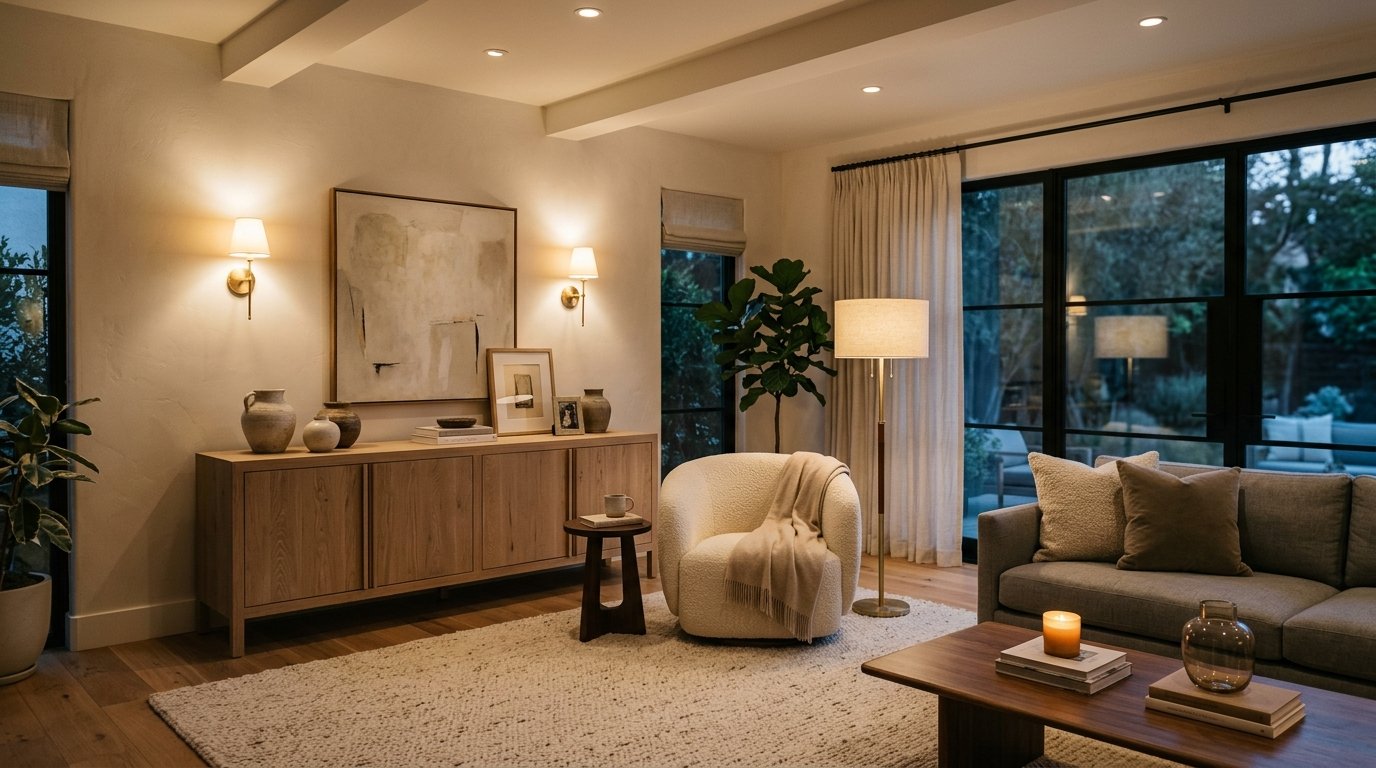
How to Choose the Right Lighting for Every Room: Kelvin, Lumens & Layering
Lighting is the most transformative yet frequently misunderstood element of interior design. Discover how to calculate lumens per room, balance color temperatures, and create a 3-layer lighting scheme.
Smart Ways to Declutter Your Home: Behavioral Psychology & Spatial Auditing
Clutter is not a moral failing; it is a mismatch between physical inventory and home storage capacity. Learn evidence-based sorting systems that prevent clutter from returning.
Practical Ideas for Better, Smarter Living
Join our readership of homeowners, spatial architects, and living enthusiasts. Receive thoughtful architectural breakdowns, energy-saving insights, and curated home guides every Thursday.